External domain risk monitoring for service providers. Group domains by client, run daily scheduled scans, track remediation in per-client Priorities, generate branded report bundles and evidence packs, invite read-only client contacts, and route Alerts by customer. MSP is £99/month and includes 250 security domains plus 150 authenticity domains.
No password. No credit card. Just your email to receive results.
One sign-in, both apps — Free, Pro or MSP covers security and authenticity. No second subscription.
Hosted on security-certified infrastructure providers.
acmecorp.com
Security posture: critical
/ 100
CRITICAL FINDINGS
Domain can be impersonated to send phishing email — no DMARC enforcement
Critical3 employee credentials found in stealer logs — active breach risk
CriticalSubdomain hijacking vulnerability — attacker can host content on affected domain
HighTLS certificate expires in 6 days — site will show browser security warnings
High2 lookalike domains actively resolving — phishing infrastructure detected
HighNo password · No credit card · Just your email
50+
Security checks
< 60s
Scan time
Clear
Risk rating
40+
Intel sources
Sample Intelligence Providers
MyDomainRisk combines signals from trusted sources including Google Web Risk, Have I Been Pwned, Shodan, urlscan.io, AbuseIPDB, and HudsonRock, alongside public DNS, certificate transparency, phishing, malware, and ransomware intelligence feeds.
Surface Compliance
Every scan includes advisory compliance cards alongside the main risk rating — externally visible evidence only, not a certification audit.
UK & EU — Article 32 technical advisory. ⓘ What's checked?
Advisory only. A passing score does not constitute GDPR compliance — organisational measures, DPAs, and data retention policies are out of scope.
PCI DSS 4.0 Surface + CCPA/CPRA advisory review. ⓘ What's checked?
PCI DSS 4.0 Surface
US Privacy — CCPA / CPRA
Advisory only. Not a PCI DSS certification or a legal CCPA compliance assessment — formal audits, cardholder-data-environment scoping, and organisational controls remain out of scope.
Evidence Signals Checked
One subscription, every lens. Cyber Essentials · GDPR · PCI · CCPA · DMARC · Suppliers · Invoice · Crypto · MSP. See them all ↓
MSP tier · £99/month · One subscription, both apps
MSP extends Pro with client grouping, client-ready report bundles, evidence packs, delegated read-only portal access, an audit trail, per-client Priorities work queues and Alerts, portfolio progress signals, and higher capacity. It also inherits Pro's read-only Assets, verified-owner eligibility, richer evidence and PDF reporting.
Group tracked domains under named customer estates. Each client can have its own domains, schedules, branding, report bundle, evidence pack, delegated contacts, Priorities work queue, Alert scope, and progress view.
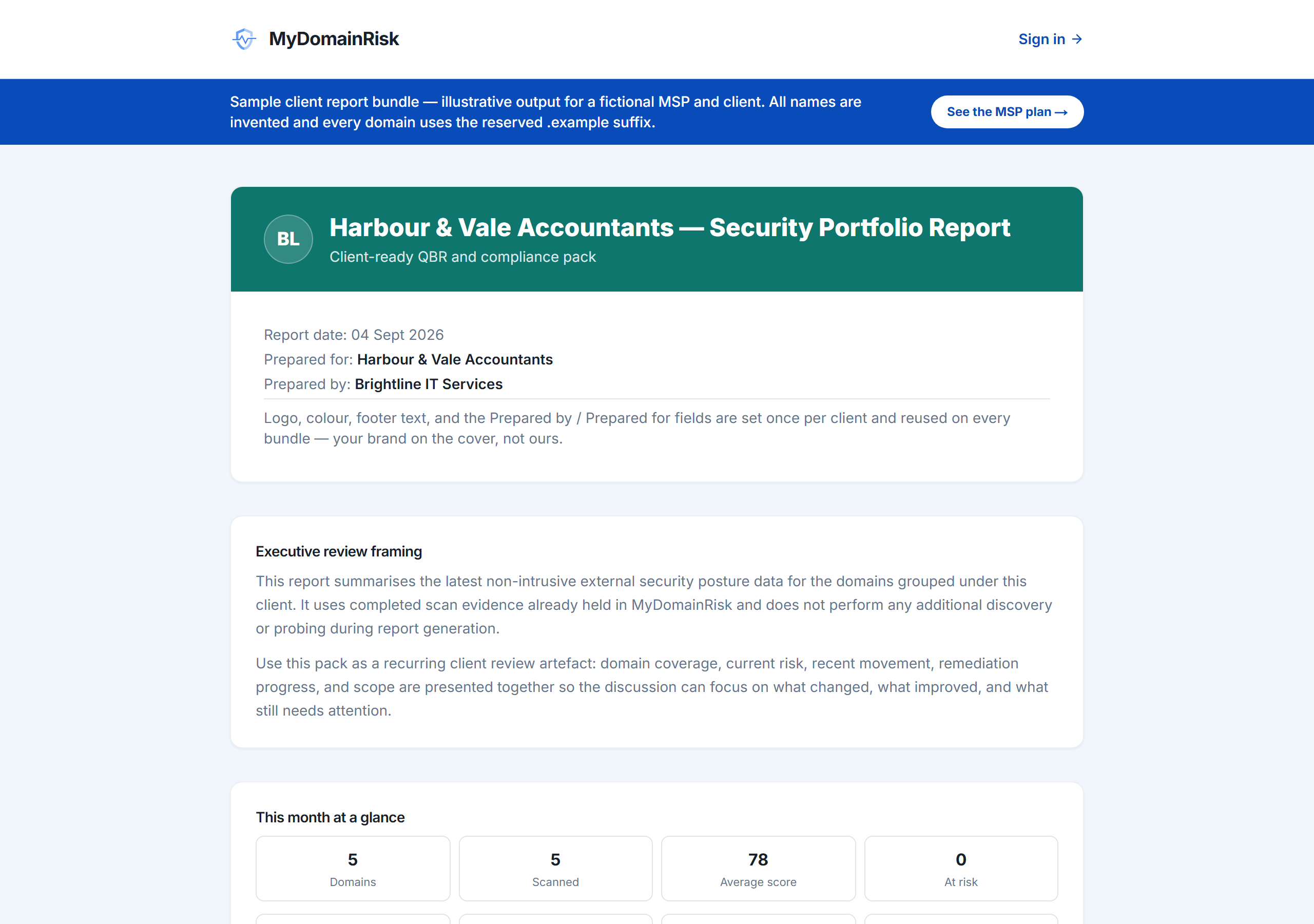
Export a branded PDF bundle or supplier/client evidence pack for each client. Save logo URL/upload, colour, optional footer note, and Prepared by / Prepared for fields per customer.
Before exporting, review scan coverage, at-risk count, branding status, lowest-scored domains, unscanned warnings, and the non-intrusive scope note so the bundle is safe to send.
Invite client contacts to see only their own dashboard and report bundle in /client-portal. They cannot edit domains, schedules, branding, contacts, alerts, or other clients.
Filter the risk-ranked Priorities work queue to one customer, track owner, status, due dates and overdue work, export per-client CSVs, suppress accepted risks by client, and scope alert rules so each customer's changes route separately. Portfolio progress signals show improved domains, resolved findings and net movement alongside current risk.
Track 250 security domains and run 250 security scans per day, plus 150 authenticity domains and 150 investigations per day. Client audit records branding edits, logo uploads, invites, revokes, accepts, and portal views without storing old/new branding values.
A comprehensive scan covering all the externally observable security signals that matter — with no special access or agent required.
Included free
Detects employee credentials harvested by malware.
Plain-English narratives of how detected weaknesses could be exploited.
Verifies email authentication records to prevent spoofing.
One-click remediation guidance for every finding.
Finds dangling DNS records attackers could claim.
Spots lookalike domains used for brand phishing.
Detects publicly accessible cloud storage buckets.
Validates certificates, ciphers, and encryption strength.
Checks that your web server sends all major browser security headers.
Checks the externally verifiable technical measures required under GDPR Article 32.
Advisory technical checks for the US market.
We name the corporate appliance instead of saying 'TLS error'.
Flags compromised credentials from known breach databases.
Export a shareable report for leadership or auditors.
Automated weekly or monthly scans on Pro; daily schedules on MSP.
No installation. No agents. No access keys.
No password, no credit card. We send you a secure sign-in link — click it and you're in.
MyDomainRisk performs 50+ non-intrusive security checks — TLS, headers, DNS, network infrastructure, threat intelligence, breaches, exposure — in under a minute.
Review the risk rating, prioritised findings and supporting evidence in the dashboard. Pro users can download a PDF report to share with leadership or auditors.
Example findings
Every finding comes with a plain-English explanation of the risk and a specific action to fix it.
What this means
There is no DMARC record published for this domain. This means any attacker can send email that appears to come from the domain — staff, customers, and partners will see the brand in the From address with no way to distinguish it from a genuine message.
How to fix it
Publish a DMARC TXT record at _dmarc.yourdomain.com starting with p=quarantine to begin collecting reports. Once all legitimate senders are confirmed in SPF and DKIM, upgrade to p=reject to block spoofed email entirely.
What this means
Three sets of employee credentials associated with this domain have been identified in infostealer malware logs. These are active, real-world exposures — the affected accounts may already be accessible to threat actors.
How to fix it
Immediately reset passwords for affected accounts and revoke any active sessions. Enable MFA on all accounts if not already enforced. Notify affected employees and review access logs for signs of unauthorised access in the preceding 90 days.
What this means
A subdomain has a dangling CNAME record pointing to a cloud service (e.g. GitHub Pages, Heroku, Netlify) where the target resource no longer exists. An attacker can claim that resource and host arbitrary content — phishing pages, malware, or credential-harvesting forms — under the affected domain.
How to fix it
Remove the dangling CNAME record from your DNS immediately. If the subdomain is still needed, reclaim the corresponding resource in the cloud platform before re-publishing. Audit all subdomains regularly for stale records.
What this means
The TLS certificate for this domain expires in under a week. When it expires, all major browsers will display a full-page security warning to visitors, blocking access until the certificate is renewed. This affects both customer trust and any automated systems that validate certificates.
How to fix it
Renew the certificate immediately through your certificate authority or hosting provider. If using Let's Encrypt, check that the auto-renewal cron job or ACME client is running correctly — it should renew automatically at 30 days remaining.
What this means
Two typosquatted domains closely resembling this domain are registered and actively resolving — meaning they are live and potentially serving content. These are commonly used to conduct phishing campaigns against your customers and employees.
How to fix it
Monitor the identified lookalike domains via threat intelligence feeds. Where feasible, register the most likely typosquat variants defensively. If a lookalike is hosting phishing content, report it to the registrar and relevant abuse contacts for takedown.
Every scan generates a full remediation plan like this — specific to the domain under review, ready to share with your team or auditors.
Not sure where to start?
Every finding in your report has a Fix with Claude button. One click opens Claude.ai with the relevant domain details already filled in. Just hit send — Claude will tell you exactly what to change, in plain English, written for the detected setup.
Every finding also links to a written guide with the exact DNS record or config value to add, instructions for the most common platforms, and how to verify the fix worked. No jargon.
One subscription, many lenses
You're seeing the MSP client reporting lens. The same Free, Pro or MSP account unlocks every other lens — switch any time, no second subscription.
UK compliance
Pre-assessment readiness — see exactly what the assessor will check.
EU/UK privacy
Externally verifiable technical baseline + Article mapping.
US compliance
External attack surface review with prioritised evidence.
US privacy
Privacy notice, do-not-sell, and Global Privacy Control checks.
Email security
Anti-spoofing audit — every email-authentication standard in one report.
Vendor risk
Vet a third party's external security posture before you contract.
Fraud workflow
Is that supplier-update email genuine? Verify the domain in 60 seconds.
Fraud workflow
Fake stablecoin, airdrop or wallet-connect site? Verify the domain before you sign.
Pricing
Start free. Upgrade when your external domain risk monitoring needs scheduled checks, richer evidence, portfolio workflow, or client-ready reporting.
One account, both apps — one subscription. Free, Pro or MSP, a single MyDomainRisk sign-in unlocks both apps — the security app (monitor the external risk around any domain you assess) and the authenticity app (check whether a suspicious link or supplier domain is genuine). Same non-intrusive checks underneath, different lens depending on the question you're asking. One tier, one subscription, both tools.
For checking any domain
Free
No credit card required. Start scanning immediately.
For IT teams and consultants monitoring multiple domains
Pro
Everything you need to monitor a full domain portfolio.
50 security domains · 50 scans per day · 50 history per domain
Managing multiple separate customer estates?See MSP →
No lock-in. Cancel any time, or downgrade at the end of the period and keep Pro until the billing date.
For consultancies, MSPs and agencies managing many client estates
MSP
Everything in Pro, plus Portfolio clients, branded report bundles and evidence packs with report checks, delegated read-only portal access, a client audit trail, per-client Priorities work queues and Alerts, and progress signals for client reviews.
Need more than 250 security or 150 authenticity domains? support@mydomainrisk.com
No lock-in. Cancel any time, or downgrade to Pro / Free at period end.
Do I need a credit card to try it?
No. The Free plan requires only your email address — no payment details at any point.
Will this affect my website or cause any disruption?
No. Every check is external and non-intrusive. Most read public records — DNS, certificates, registration data, threat-intelligence feeds. A few look at your site exactly the way a visitor's browser would: a TLS handshake and a single ordinary page request. Your logs would show the equivalent of one normal page visit; nothing is probed, logged into, or changed. The full contract is on our How we scan page.
How is this different from the free NCSC checks?
Use both. The NCSC's free Check Your Cyber Security tools are excellent for a one-off government-backed snapshot of email security and browser safety. MyDomainRisk covers a much wider set of external checks, keeps watching on a schedule, tracks your score over time, and turns every finding into a prioritised, plain-English fix path — the day-two-onwards work the snapshot can't do.
Can I cancel my Pro or MSP subscription at any time?
Yes. You can downgrade or cancel from your account page at any time. No contracts, no minimum term — you keep your paid features until the end of the current billing period.
What happens to my data after a scan?
Scan results are stored against your account in line with your plan limits. You can export or delete your data at any time. See our Privacy Policy for full details.
Free for up to 5 domains. No card required. Pro plans unlock bulk scanning, scheduled monitoring, and full breach reports.
Full domain scan — free, 60 seconds